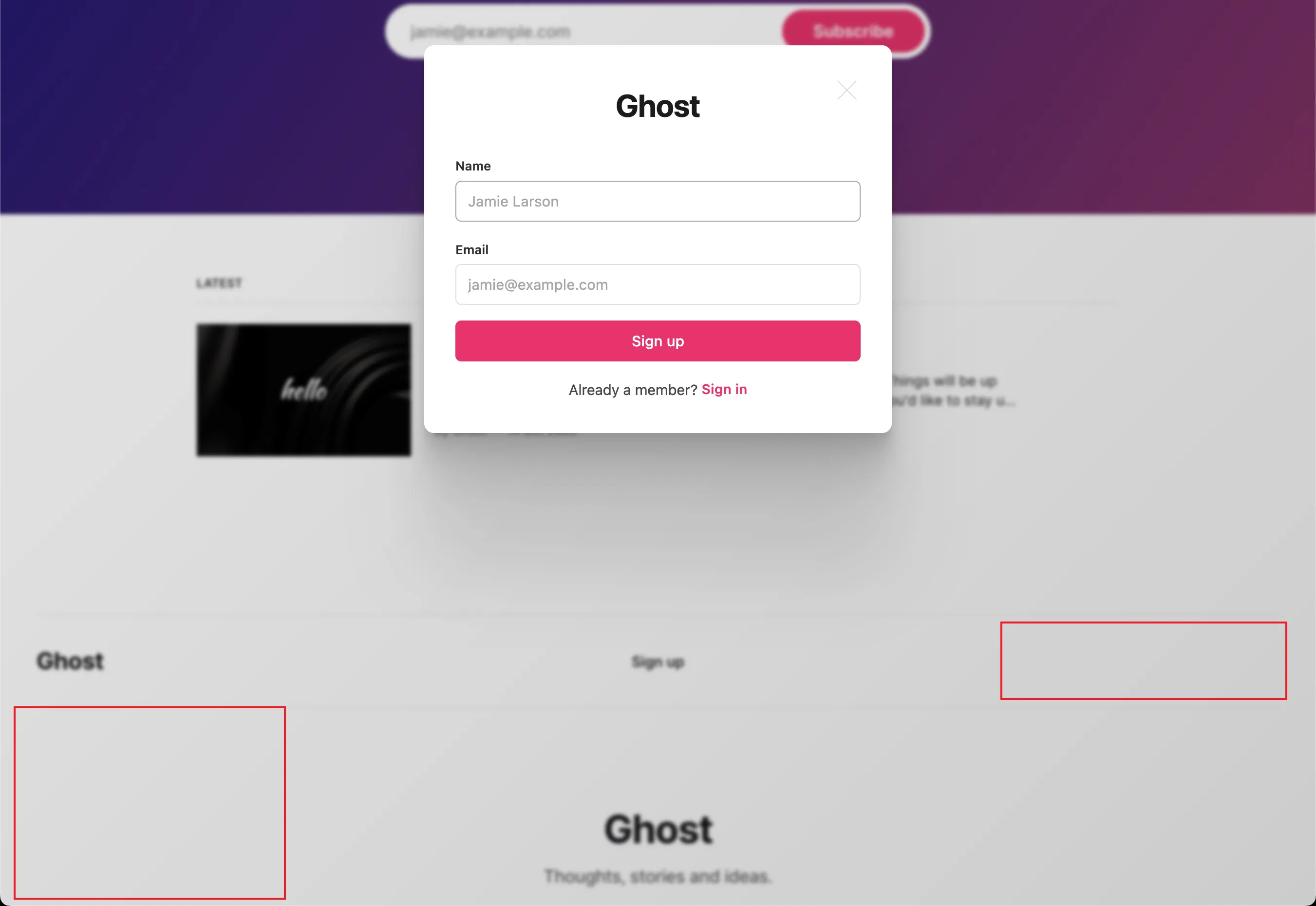
Ghost 博客如何隐藏注册登录弹窗左下角的 Powered by Ghost
如果你不想在点击 Ghost 博客的注册/登录弹窗(Portal)时显示 "Powered by Ghost",本文教你如何隐藏。
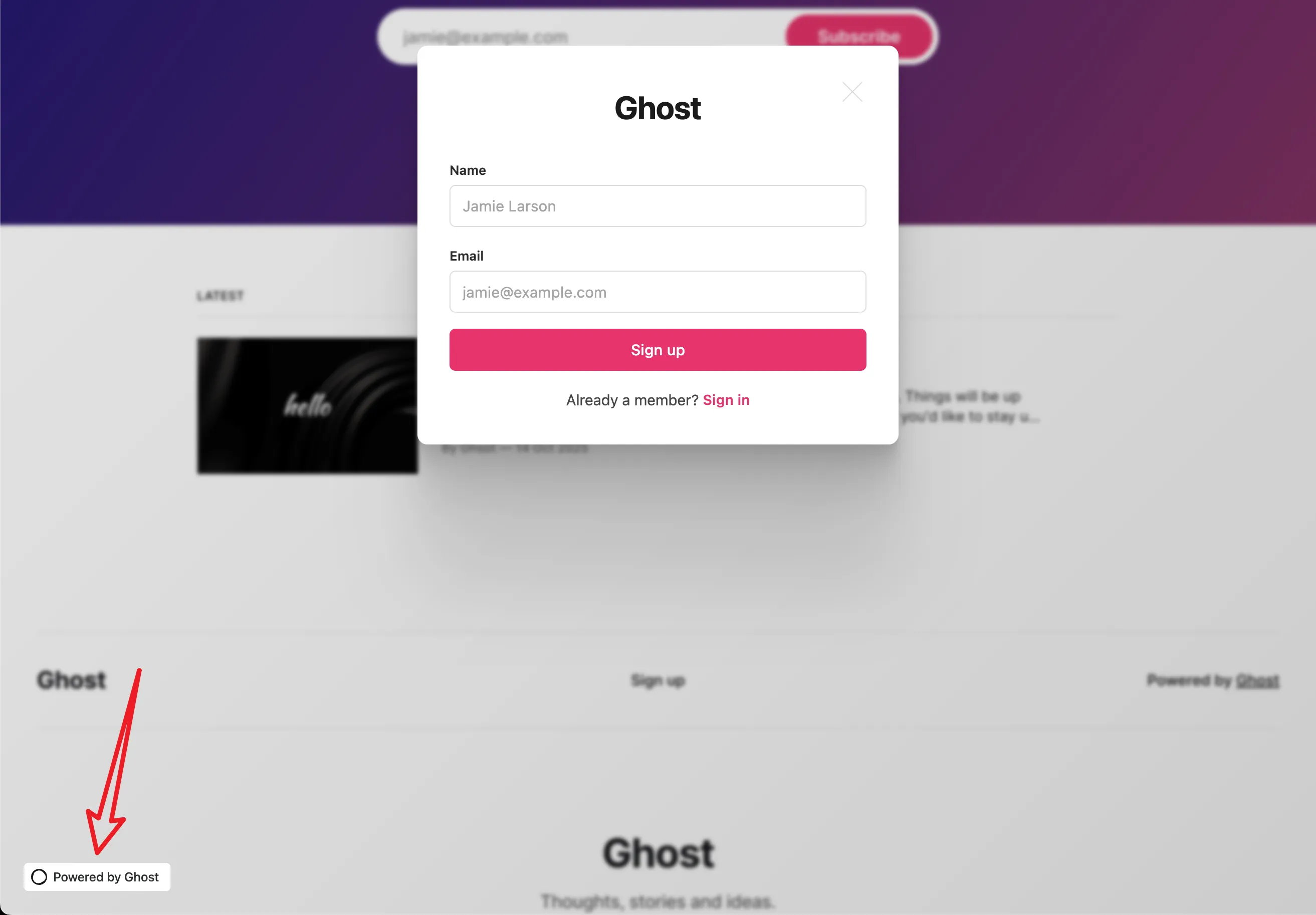
由于 Ghost Portal 是通过 iframe 的方式嵌入的,所以不能通过在 Ghost 主题中添加 CSS 代码的方式来隐藏。有两种方式可以隐藏:
- 修改 Ghost 服务端文件
- 通过 Code Injection 中添加代码
第一种方式最彻底,但是对新手不太友好,所以本文分享第二种方式。
隐藏方法
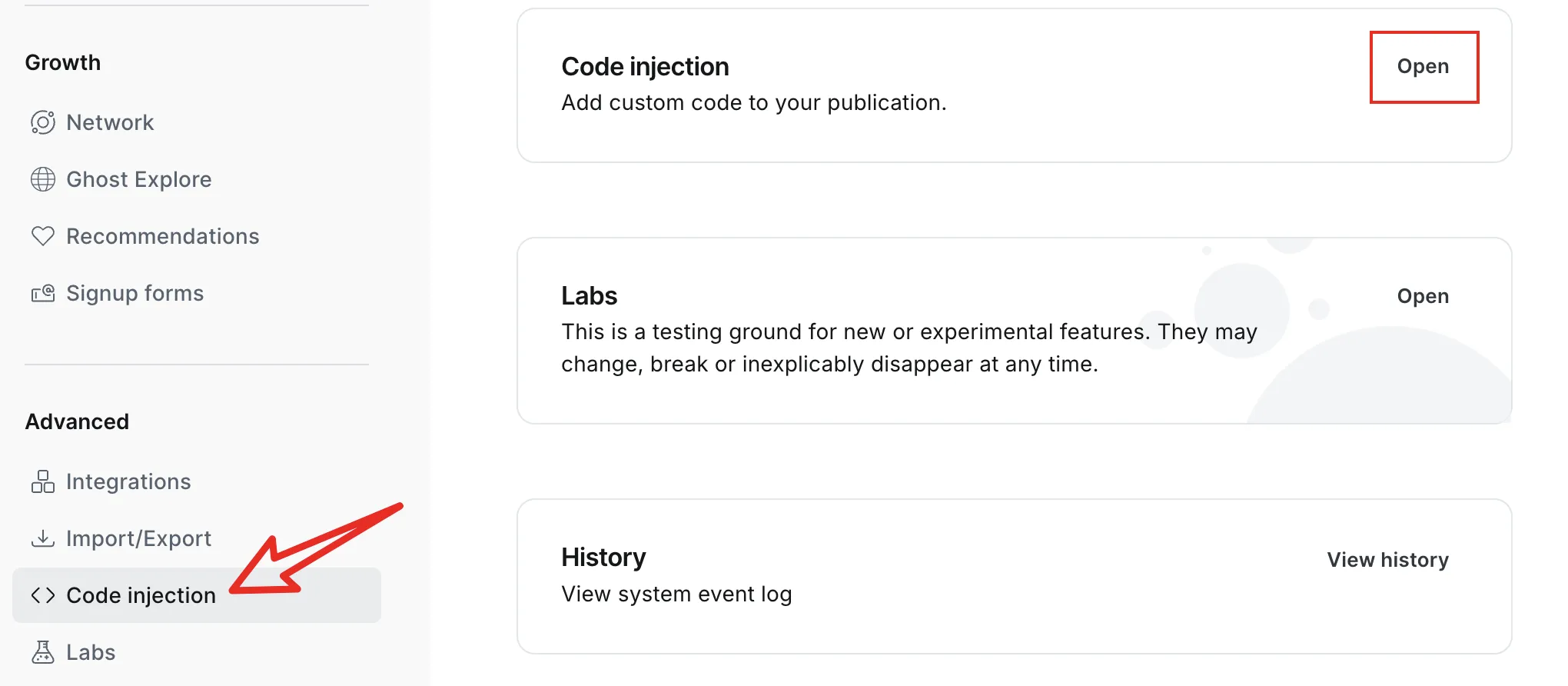
在 Ghost 后台 Settings ~ Advanced ~ Code injection,点击 Open
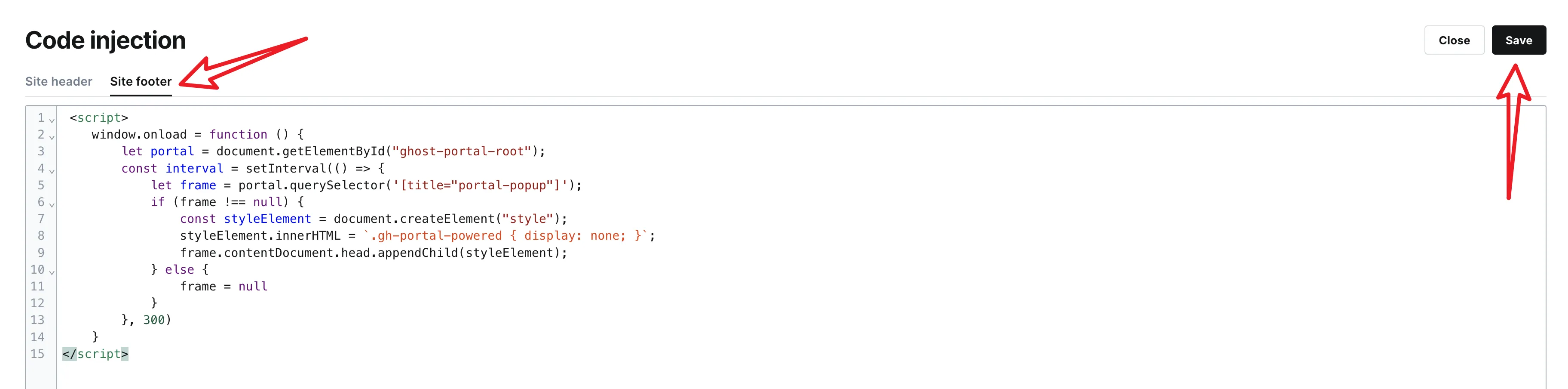
在 Site footer 中粘贴以下代码,点击 Save 即可:
<script>
  window.addEventListener("load", () => {
    let portal = document.getElementById("ghost-portal-root");
    const interval = setInterval(() => {
      let frame = portal.querySelector('[title="portal-popup"]');
      if (frame !== null) {
        const styleElement = document.createElement("style");
        styleElement.innerHTML = `.gh-portal-powered { display: none; }`;
        frame.contentDocument.head.appendChild(styleElement);
      } else {
        frame = null
      }
    }, 300)
  })
</script>
至于像默认主题中的 Footer 里的 Powered by Ghost 就可以通过 CSS 隐藏,即可以添加到主题中,也可以添加到 Code injection ~ Site header 中:

<style>
  .gh-footer-copyright {
      display: none;
  }
</style>
隐藏之后
两种都隐藏之后的效果图: